Admin workflow · manual-first
Design Manager
This is the temporary polished import flow for replacing placeholders with real jersey artwork. Upload design images, map them into the structured catalog format, and the vault, gallery, homepage, detail pages, and customizer will all update from the same data source.
Workflow
- 1.Upload front, back, libero, and matching apparel images into Lovable assets.
- 2.Paste the generated asset URLs into the structured design entry.
- 3.Add collection, tags, palette, and story notes.
- 4.Mark it featured, new release, or design of the month when needed.
- 5.Save the entry in src/data/designs.ts and it appears everywhere automatically.
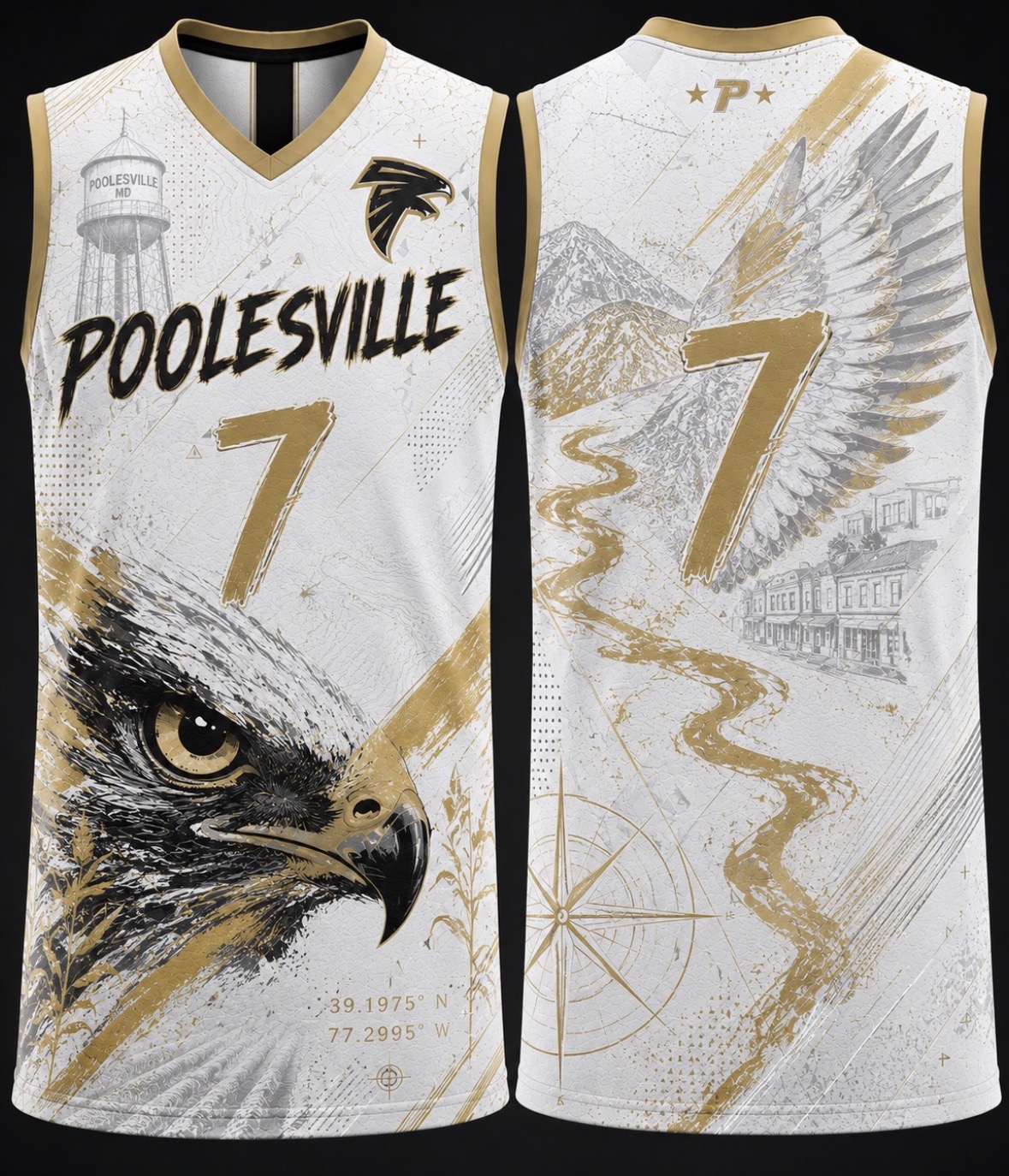
Poolesville Falcons – White Legacy Edition
Poolesville Legacy
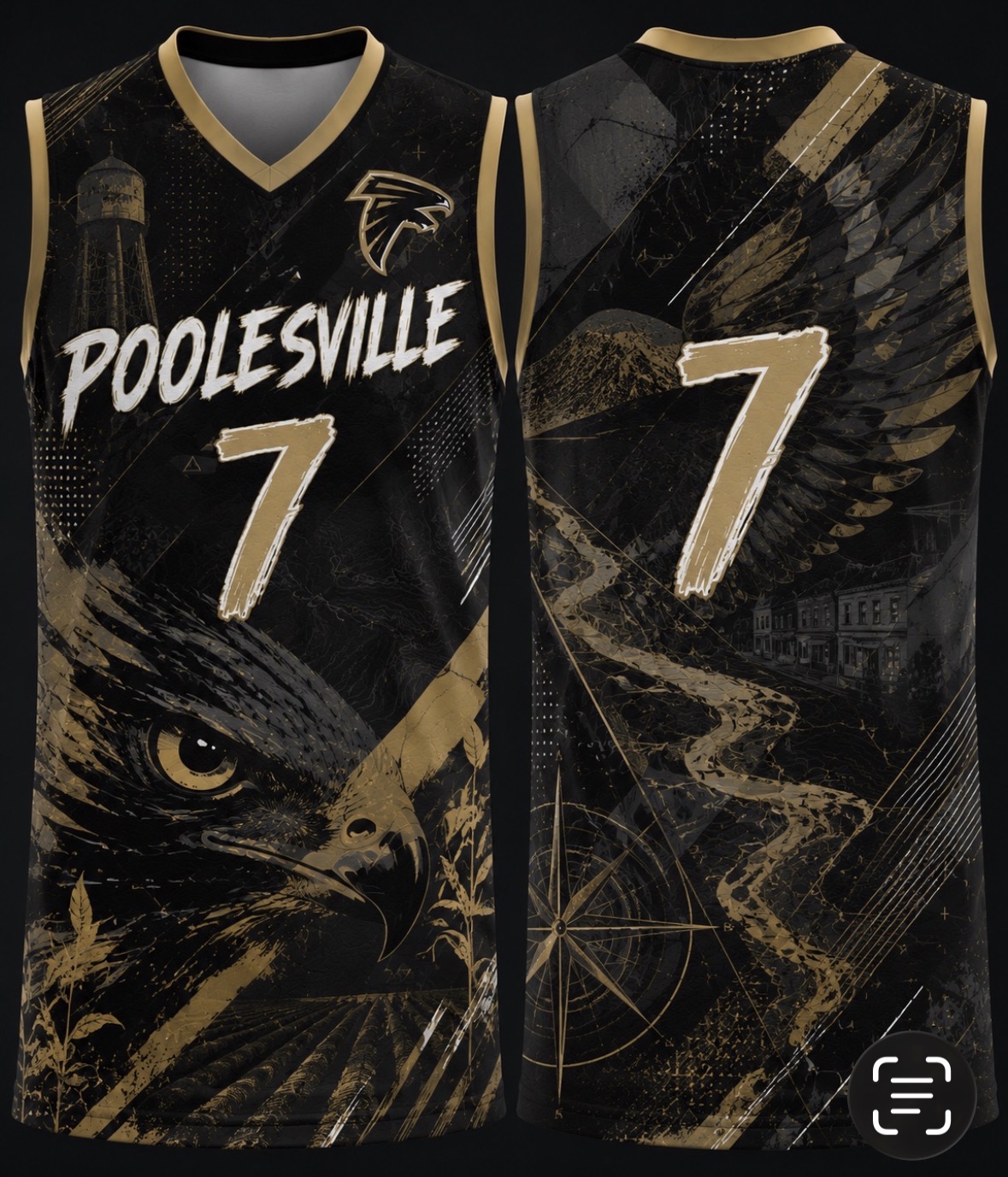
Poolesville Falcons – Black Legacy Edition
Poolesville Legacy
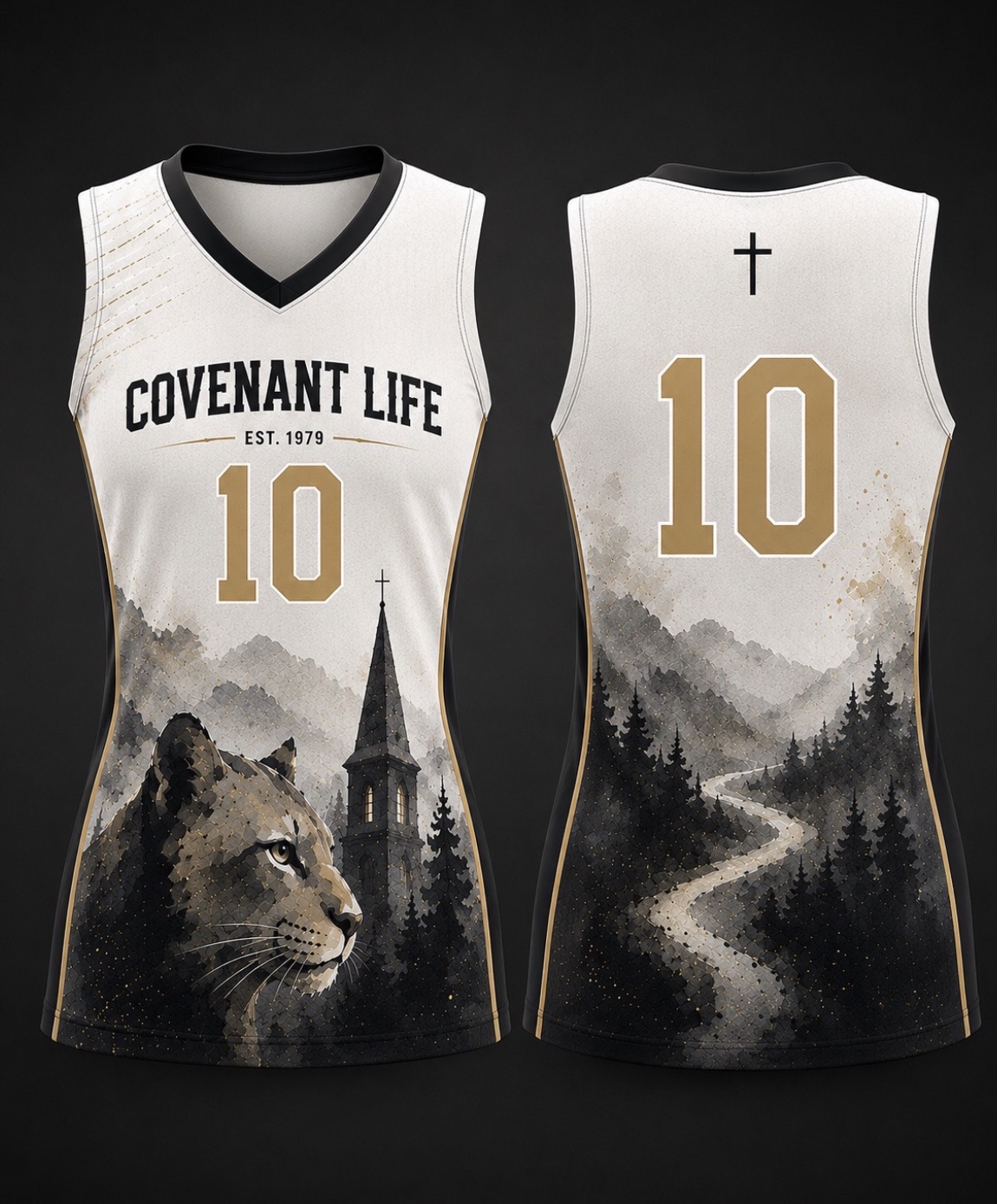
Covenant Life White Edition
Covenant Life Collection
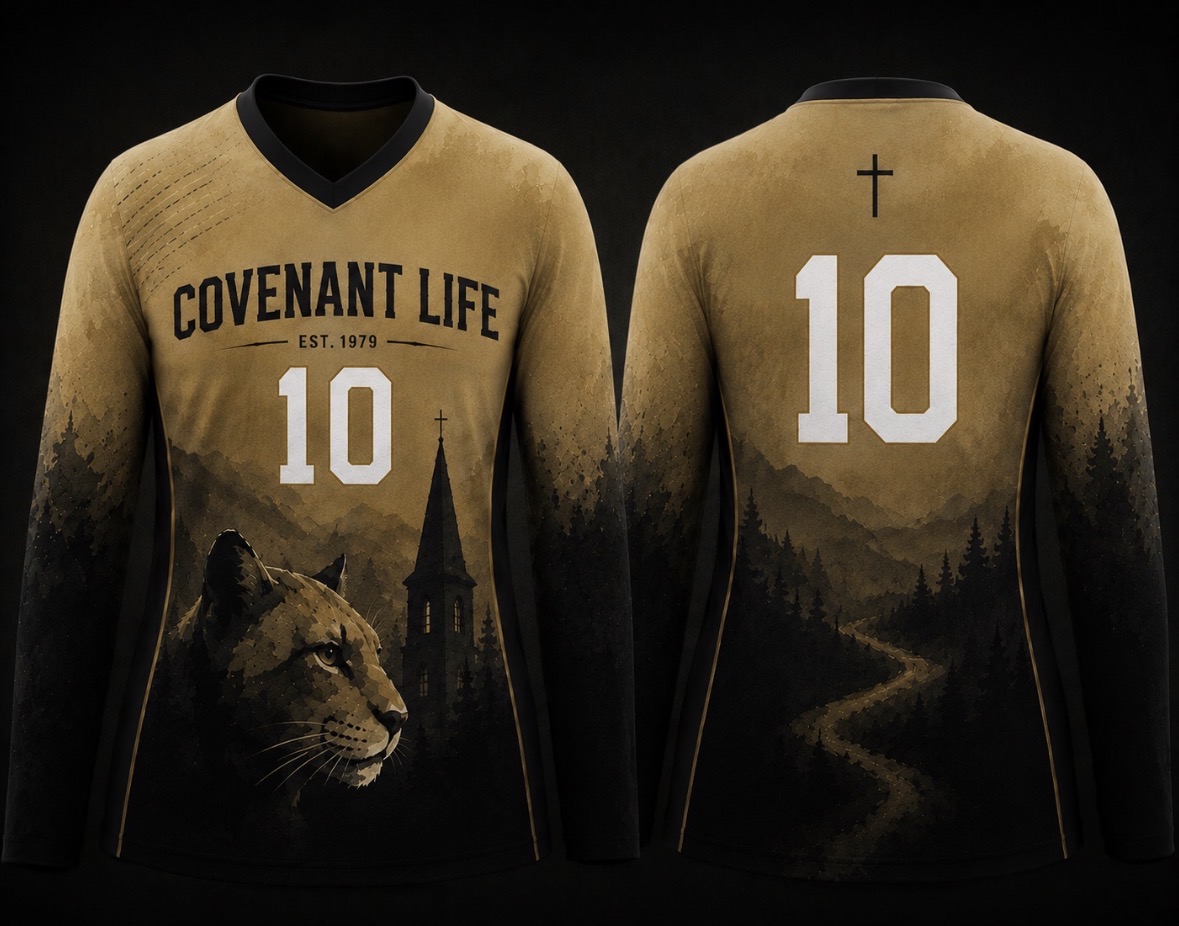
Covenant Life Gold Edition
Covenant Life Collection
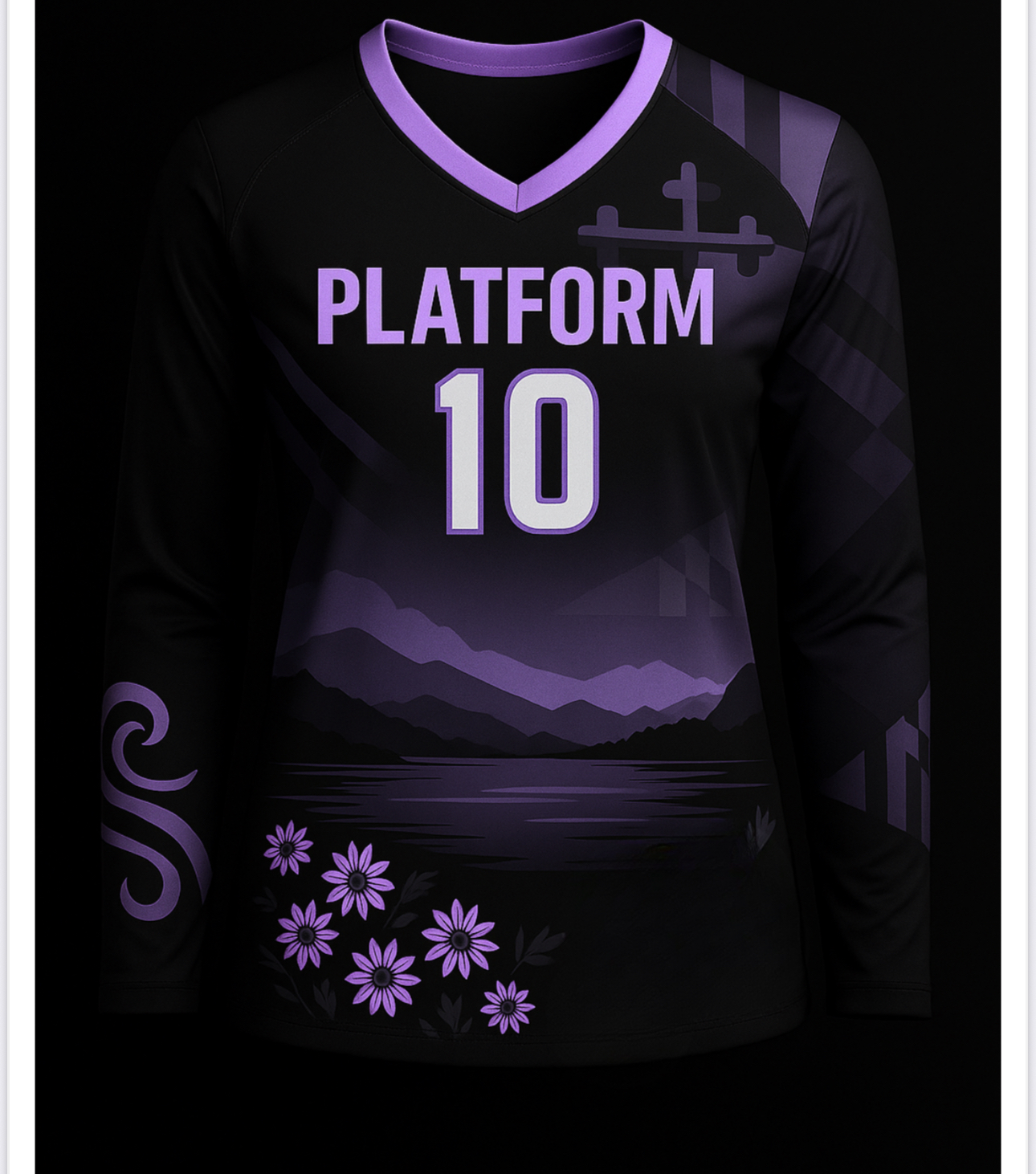
Platform Twilight
Nocturne
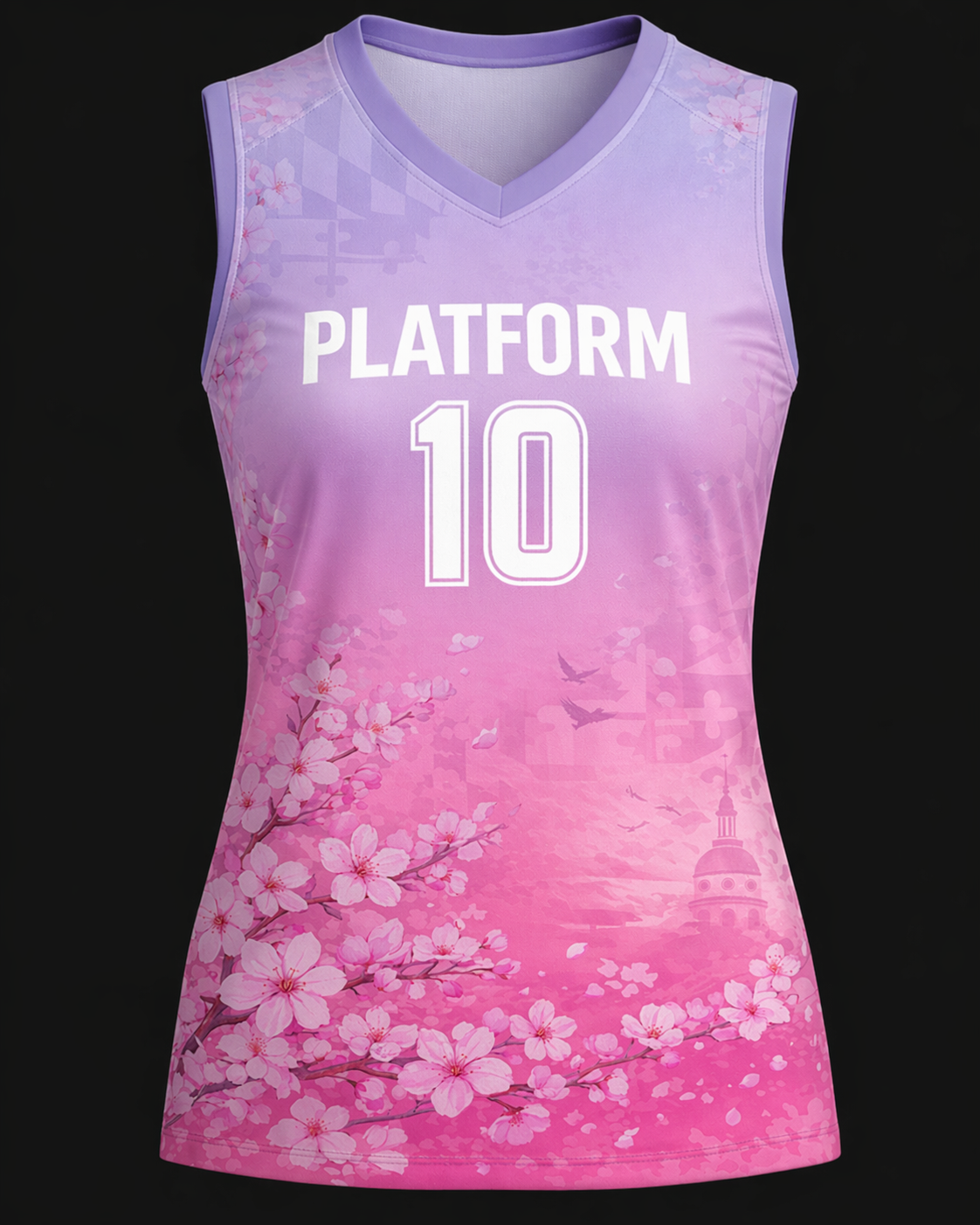
Platform Blossom
Hanami
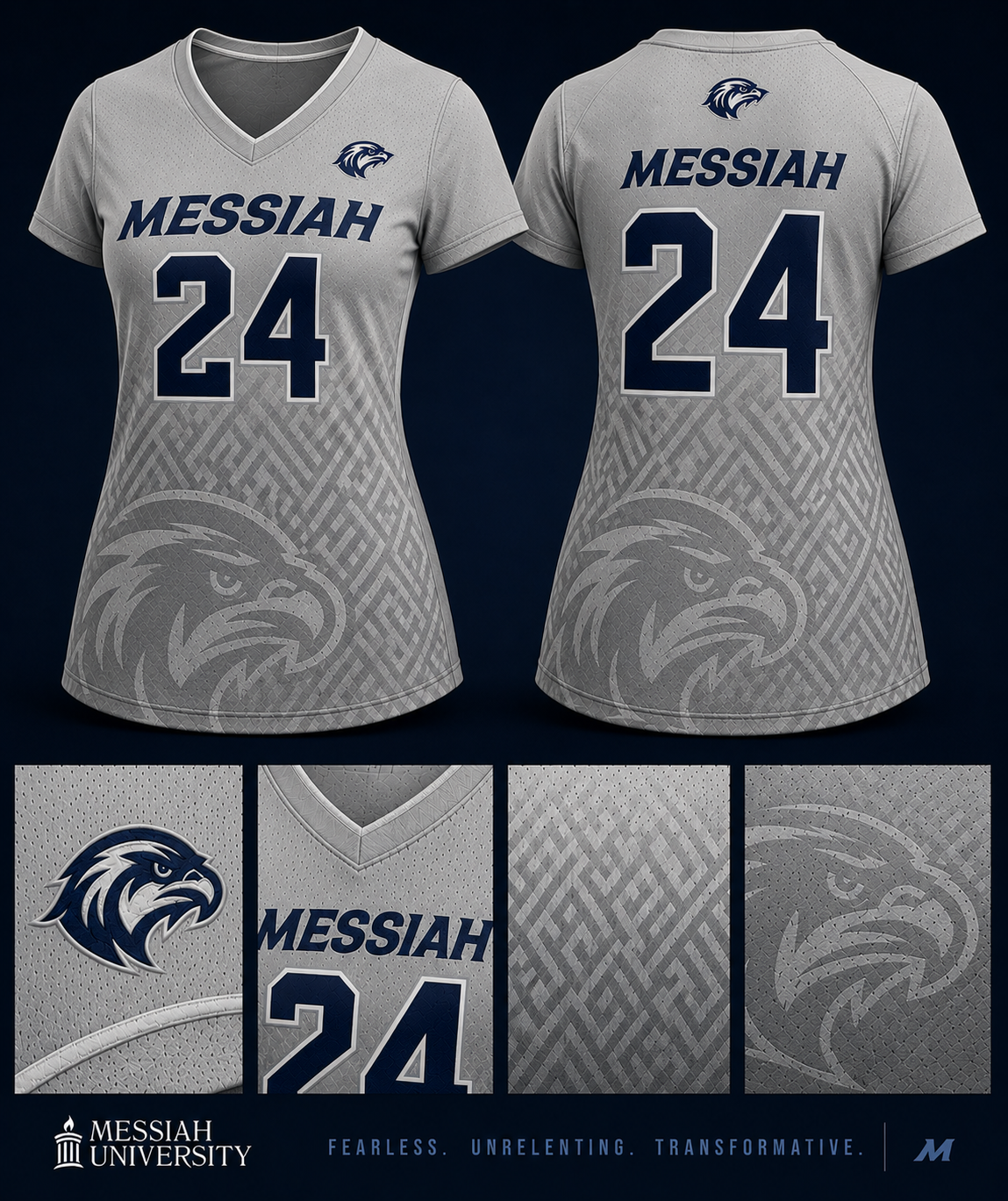
Messiah Slate
Heritage Grid
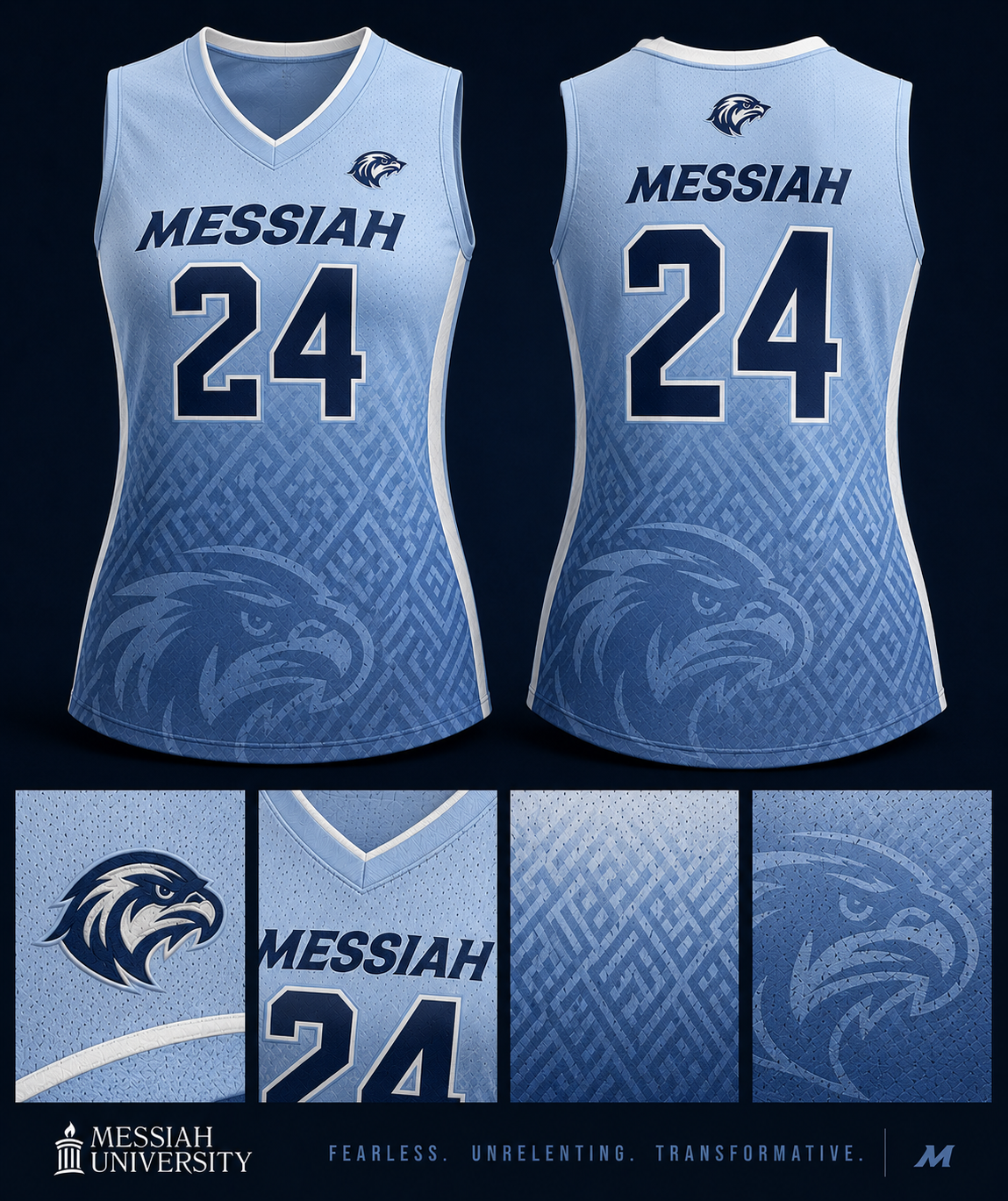
Messiah Sky
Heritage Grid
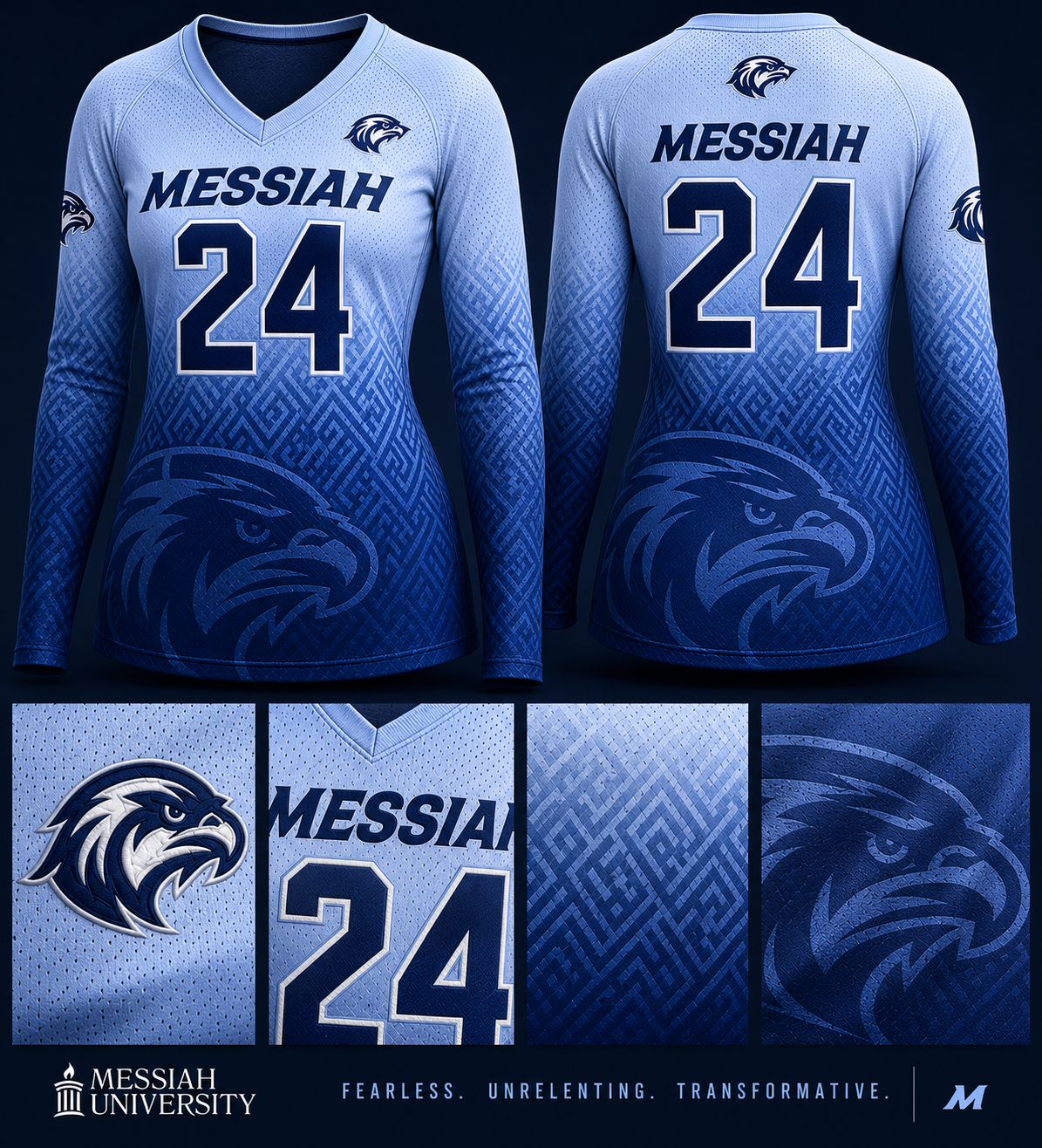
Messiah Sky Long Sleeve
Heritage Grid
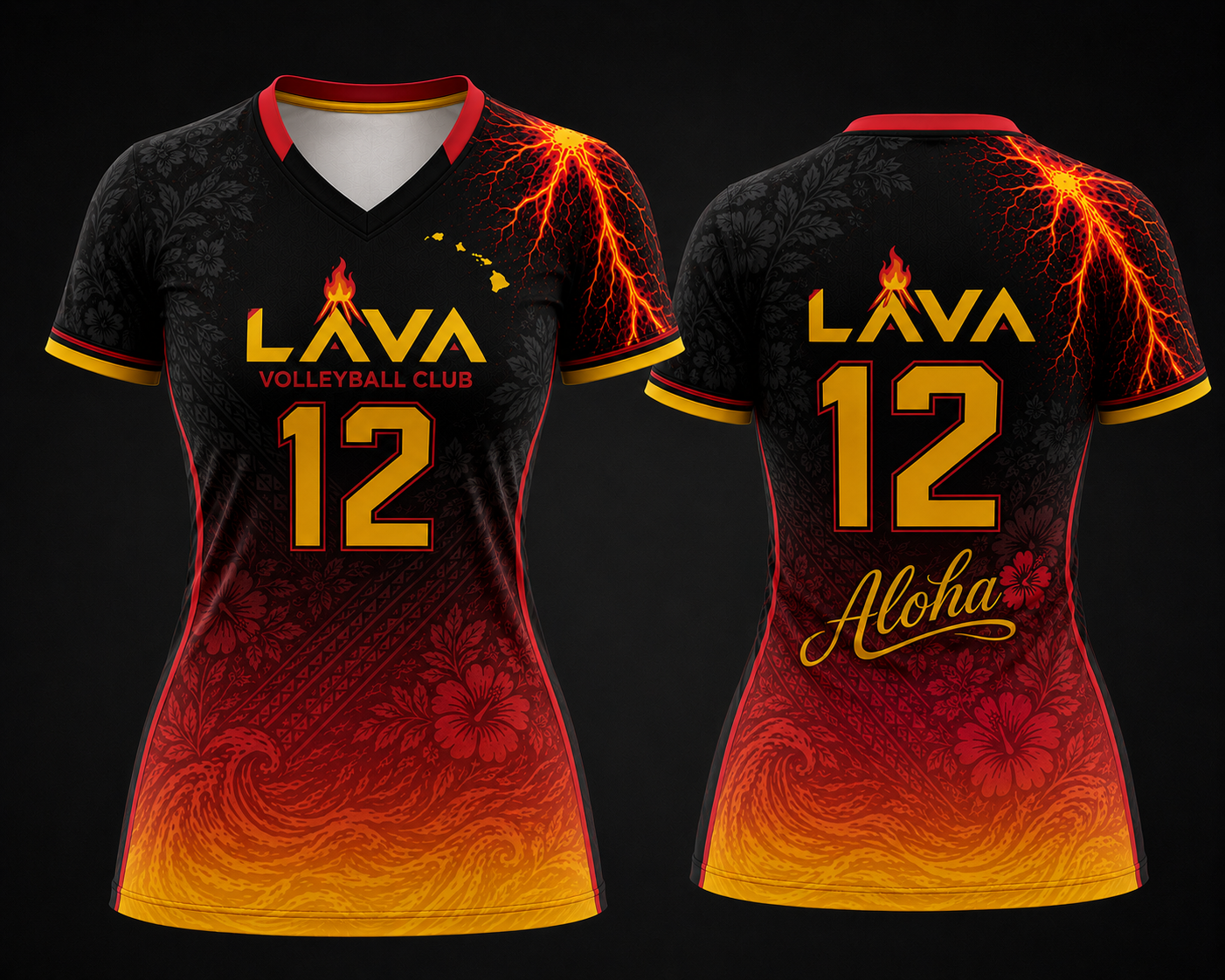
Lava Club
Aloha Heat
Entry builder
Use this to generate a clean object you can drop into the shared design data file.
{
  "slug": "new-design-slug",
  "name": "New Design Name",
  "collection": "Collection Name",
  "description": "Short premium description of the design.",
  "palette": [
    "#111111",
    "#E7B0F2",
    "#F7F4FB"
  ],
  "styleTags": [
    "Statement",
    "Sleeveless",
    "Editorial"
  ],
  "colorTags": [
    "Black",
    "Lavender",
    "Pearl"
  ],
  "frontImage": "/__l5e/assets-v1/.../front.png",
  "backImage": "/__l5e/assets-v1/.../back.png",
  "featured": true,
  "newRelease": true,
  "published": true
}